Personalized For You
Customize your dashboard with useful widgets, tools, groups, and pages to make BergConnect truly yours. Pages will contain content moved from our main campus site, and will be tailored depending on your role (student, faculty, staff).
Your Campus Connection
Find communities, connect and collaborate with peers, and engage in meaningful discussions.
Keep Up to Date
Staying on top of everything happening on campus can be overwhelming. With announcements and the real-time activity feed in BergConnect, you'll stay informed.
Academics
Access your courses in Canvas and view your academic profile, all from one convenient location.
Athletics

Stay up-to-date on upcoming Muhlenberg college athletic events and get the latest competition scores and results.
Services
Easily find the information that’s relevant to you with pages and tools.
Getting Started
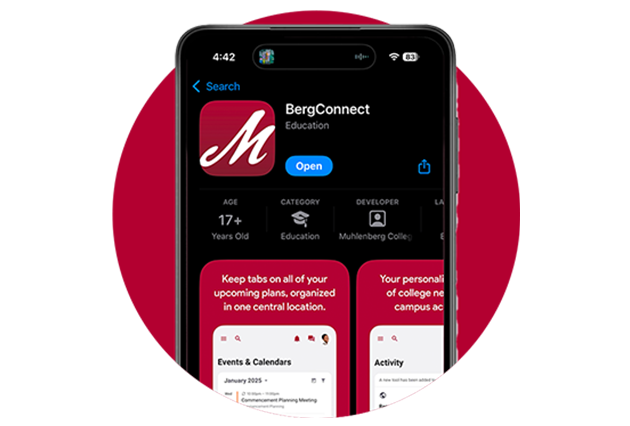
- Download the BergConnect app in the App Store (iOS) or Google Play (Android)
- Sign into BergConnect at bergconnect.muhlenberg.edu using your OneLogin credentials.
- Read and sign the terms of service agreement and review the onboarding materials.
- Update your profile and account settings after logging into the app.
- Customize your dashboard for your personal needs.
- Search BergConnect or browse the menu for resources.